Personal safety apps have become an important part of everyday life, whether you’re walking home after dark, travelling alone, working as a lone worker or sending a child to university.
Two popular UK solutions are SafeHalo and WalkSafe+. Both are designed to improve personal safety, but they focus on different aspects of protection.
This comparison explains the key differences so you can decide which app best matches your needs.
At a Glance
Feature | SafeHalo | WalkSafe+ |
One-touch SOS | ✅ | ✅ |
Works when phone is locked | ✅ | Journey sharing available while app is running |
Designed to be ready without opening the app on screen | ✅ | Not publicly advertised |
Bluetooth wearable panic button | ✅ | Not advertised |
Live GPS location sharing | ✅ | ✅ |
Trusted contacts | ✅ | ✅ |
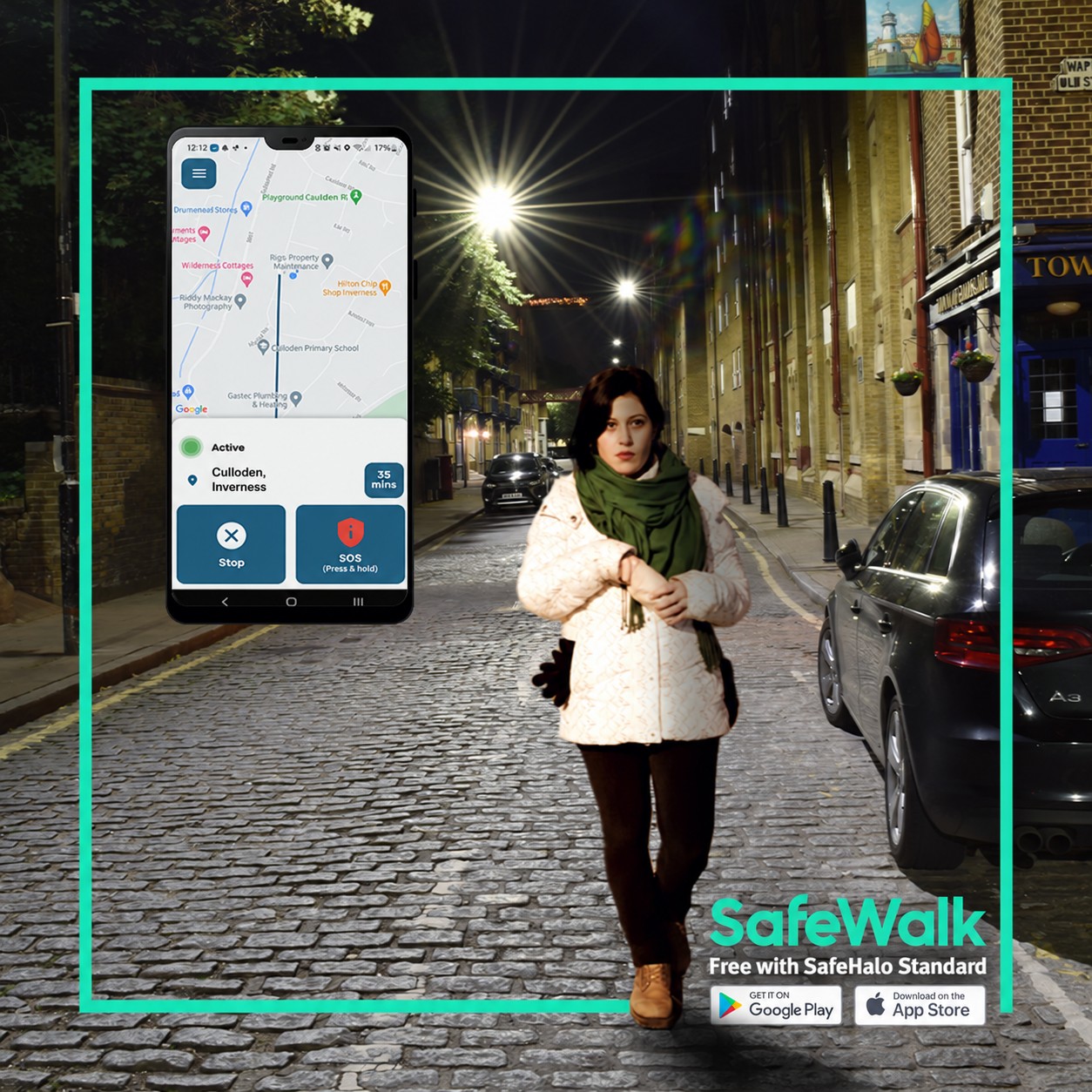
SafeWalk / Journey monitoring | ✅ | ✅ |
Check on Me safety timer | ✅ | Automatic arrival notifications |
Audio & video communication | ✅ | No |
Incident recording | ✅ | No dedicated recording feature advertised |
Automatic fall detection | ✅ | Not advertised |
Optional 24/7 professional monitoring | ✅ | Not advertised for the consumer app |
Safe Space map | No | ✅ |
Community safety reporting | No | ✅ |
SafeHalo Overview
SafeHalo has been designed as a complete personal safety platform suitable for:
- Students
- Lone workers
- Parents
- Shift workers
- Everyday travellers
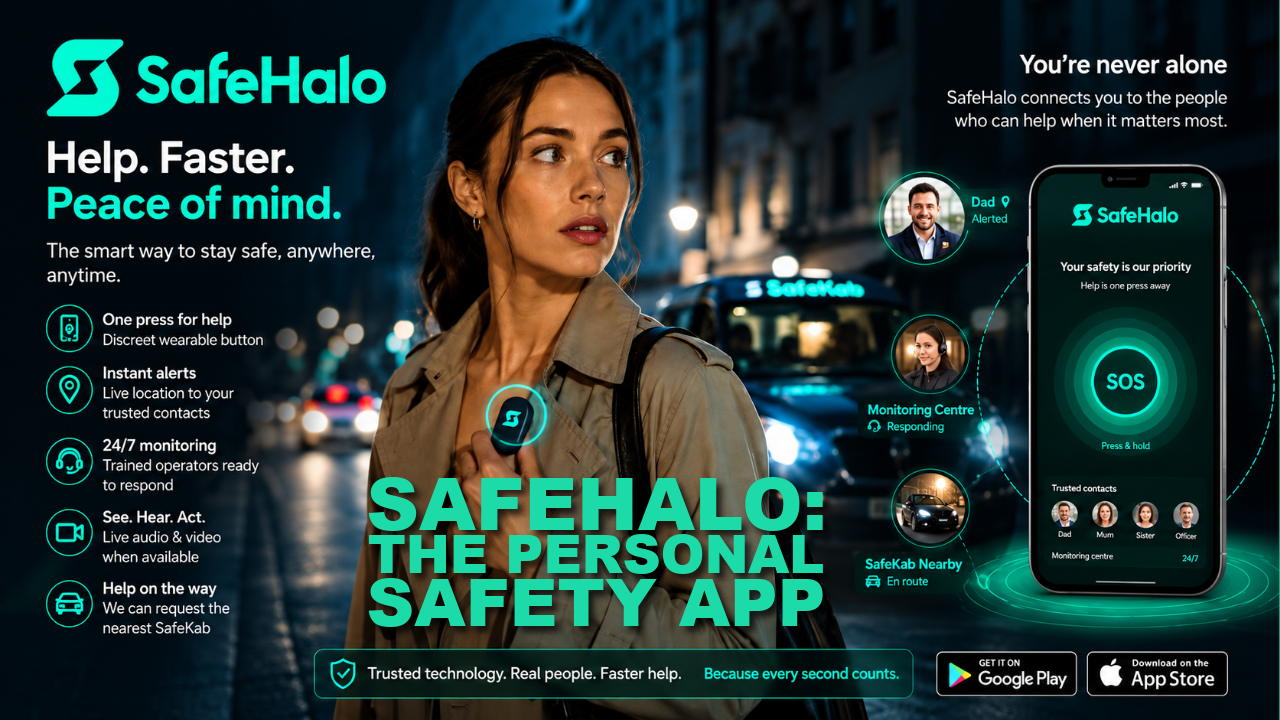
Key features include:
- One-touch emergency activation
- Bluetooth wearable panic button
- Live GPS location sharing
- SafeWalk journey monitoring
- Check on Me safety timer
- Audio and video communication
- Incident recording
- Automatic fall detection
- Trusted contacts
- Optional 24/7 professional monitoring
Its philosophy is simple:
Help users request assistance as quickly and easily as possible when every second matters.
WalkSafe+ Overview
WalkSafe+ focuses primarily on helping people travel more safely by combining journey sharing with community safety information.
Features include:
- Journey sharing
- Trusted friends
- SOS button
- Safe Space map
- Safety-trained venues
- Community safety alerts
- Poor lighting reports
- Night-time support locations
- Automatic arrival notifications
One of WalkSafe+’s distinguishing features is its nationwide Safe Space map, helping users locate nearby venues, support services and safety-trained businesses while travelling.
A Key Difference: Ready When Seconds Matter
In an emergency there may not be enough time to:
- unlock your phone,
- search for an app,
- wait for it to load,
- and then activate an emergency alert.
SafeHalo is designed to minimise these steps.
Once configured, SafeHalo is designed to continue operating in the background, allowing an emergency alert to be activated even when:
- the phone is locked,
- the app is not open on the screen,
- immediate action is needed.
This allows users to request assistance without first launching the application.
WalkSafe+ publicly describes journey sharing, trusted friends and SOS functionality, but its published feature information does not specifically advertise background emergency activation while the app is not open on the screen.
Advantage: SafeHalo
Wearable Emergency Activation
SafeHalo supports Bluetooth wearable panic buttons that can be worn:
- on the wrist,
- on a keyring,
- on a belt,
- or discreetly carried.
This allows users to raise an alert without taking their phone from their pocket.
At the time of writing, WalkSafe+ does not publicly advertise Bluetooth wearable integration.
Advantage: SafeHalo
Journey Protection
Both apps provide journey protection.
SafeHalo includes SafeWalk, while WalkSafe+ offers journey sharing with automatic notifications if users do not reach their destination as expected.
Result: Draw
Community Safety Information
This is where WalkSafe+ has a unique strength.
WalkSafe+ allows users to:
- locate Safe Spaces,
- view safety-trained venues,
- report poor lighting,
- report crowds,
- find nearby street marshals and other community support,
- access community safety information while travelling.
SafeHalo focuses instead on emergency response after the user feels unsafe rather than providing a community safety map.
Advantage: WalkSafe+
Fall Detection
SafeHalo includes automatic fall detection, which can be valuable for lone workers, older users and anyone who may become incapacitated.
WalkSafe+’s published feature list does not currently advertise fall detection.
Advantage: SafeHalo
Professional Assistance
SafeHalo offers an optional professional monitoring service for premium users, providing another level of reassurance beyond notifying trusted contacts.
WalkSafe+ focuses primarily on trusted contacts, journey sharing and community safety resources. Its consumer app information does not advertise a comparable monitoring service.
Advantage: SafeHalo
Which App Should You Choose?
Choose SafeHalo if you:
- Want emergency activation designed to work even when your phone is locked.
- Want Bluetooth wearable activation.
- Need automatic fall detection.
- Prefer audio and video communication during an incident.
- Want optional professional monitoring.
- Need protection for students, lone workers or everyday personal safety.
Choose WalkSafe+ if you:
- Want to plan safer walking routes.
- Value community safety information.
- Want to locate nearby Safe Spaces.
- Want to see safety-trained venues.
- Prefer a journey-sharing app focused on safer travel.
Final Verdict
SafeHalo and WalkSafe+ approach personal safety from different perspectives.
WalkSafe+ is particularly strong at helping users avoid potentially unsafe situations by providing journey sharing, community reporting and a nationwide Safe Space map.
SafeHalo focuses on responding quickly when an emergency occurs. Its combination of background readiness, Bluetooth wearable activation, emergency communication, fall detection and optional professional monitoring is designed to reduce the number of steps required to request help when every second counts.
Rather than replacing one another, the two apps reflect different approaches to personal safety. If your priority is prevention and route awareness, WalkSafe+ offers useful community-focused tools. If your priority is rapid emergency response and immediate access to assistance, SafeHalo provides features specifically designed for those situations