Finishing a late shift can mean stepping out into a very different world from the one you arrived in. The shops have closed, the streets are quieter and your friends or family may already be at home.
Whether you work in hospitality, healthcare, retail or another job with evening hours, a little preparation can make the journey home easier. Sharing your journey with someone you trust can become part of that routine.
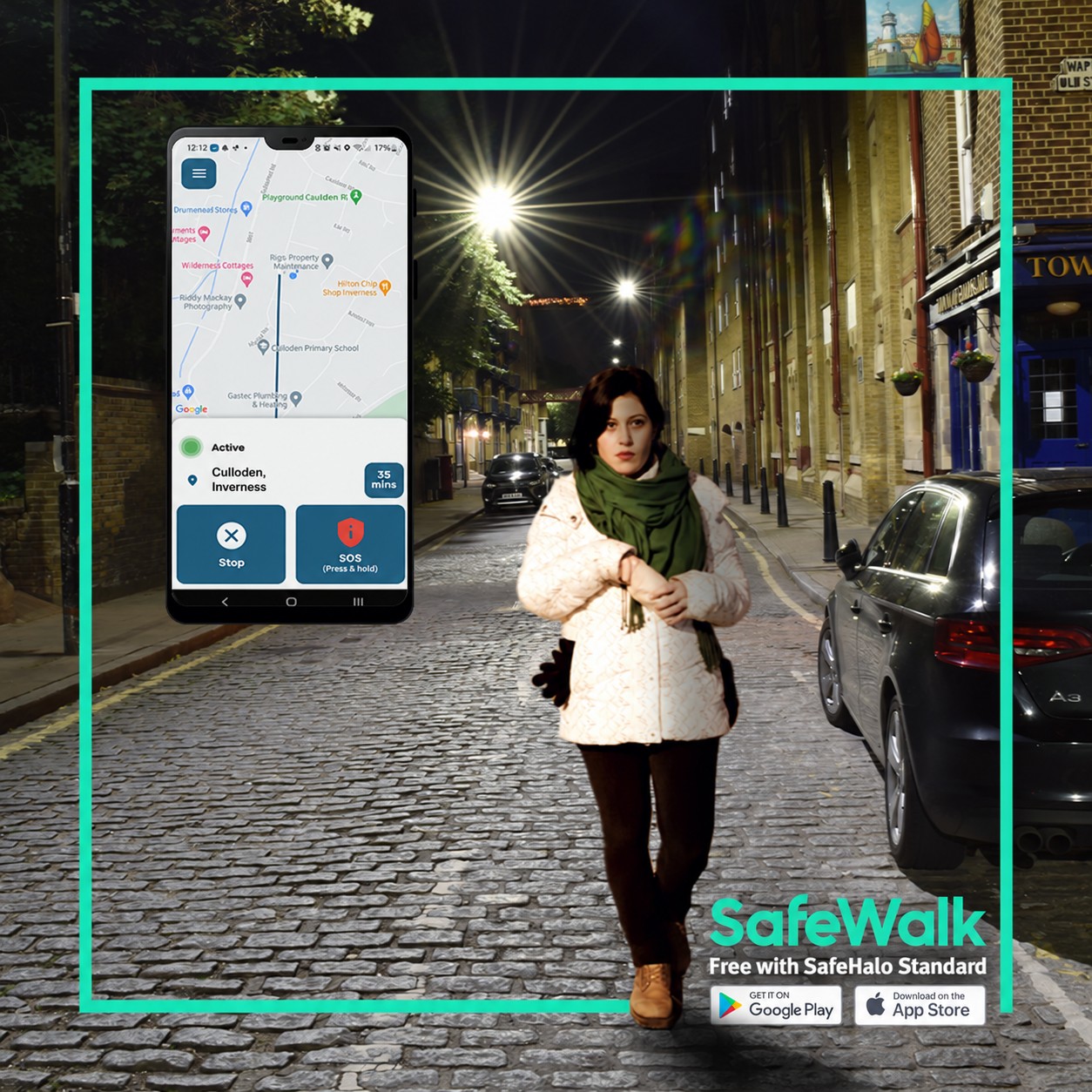
SafeWalk, included with free SafeHalo Standard, gives you a way to keep that person informed while you travel.
Make your journey home part of the plan
It is easy to concentrate on getting through a busy shift and leave the journey home until the last minute. Before work, take a moment to decide how you will get back.
Check your transport options, especially if you finish after the usual bus or train service. If you intend to book a taxi, agree a suitable collection point. Where possible, wait inside your workplace until your transport arrives.
Keep a backup option in mind too. A delayed finish, cancelled service or change in the weather can affect your original plan.
Choose someone who knows you are travelling
A trusted contact could be a partner, friend, relative or housemate. The important thing is to agree the arrangement with them beforehand.
Let them know when you expect to leave and roughly when you expect to arrive. Check that they are available to follow your journey rather than assuming they will see a notification immediately.
It also helps to discuss what you would like them to do if they cannot reach you. Having that conversation in advance gives both of you a clearer understanding of the arrangement.
Share your walk with SafeHalo
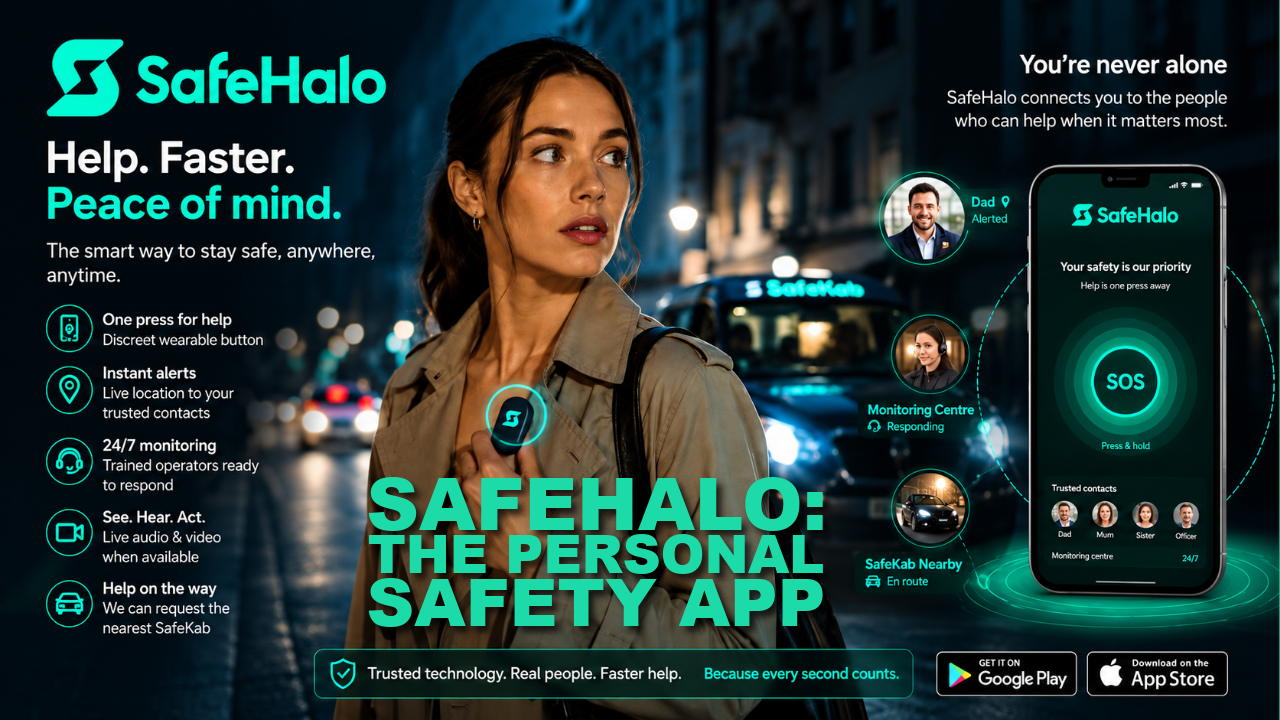
SafeHalo Standard is free and includes SafeWalk journey sharing with one trusted contact.
When you start a SafeWalk, your trusted contact can follow your journey in real time and receive a Home Safe notification when you arrive. Standard also includes in-app SOS alerts that share your location with your trusted contact.
Set up the app and familiarise yourself with it before your next late finish. Check the required permissions and try the journey-sharing process with your chosen contact while you are together.
SafeHalo Standard does not include monitoring by the SafeHalo team. Its free features connect you with your trusted contact. Paid Premium provides a different level of support.
Get your phone ready before leaving
A phone that has almost run out of battery is less useful when you are trying to check transport, contact someone or share a journey.
Where practical, charge your phone during your break or carry a charged power bank. Check that mobile data and location services are available for the features you intend to use.
Location sharing depends on your phone, its settings and connectivity. Keep an alternative way to contact someone in mind if reception is poor or your battery runs low.
Give yourself options along the way
Choose a familiar, well-lit route where practical, and avoid feeling committed to a shortcut simply because it saves a few minutes.
If your plans change, tell your trusted contact. You might decide to walk with a colleague, wait somewhere staffed or arrange transport for the rest of the journey.
You do not need to complete the journey exactly as planned. The aim is to make choices that suit the circumstances.
If there is an immediate emergency, call 999 when you can. SafeHalo does not replace the emergency services or guarantee a response from your trusted contact.
Employers can help with the journey home
A useful conversation at work can be as simple as asking where staff should wait for a taxi, whether colleagues finish at similar times and who to contact if a shift runs late.
SafeHalo can be one part of a personal routine, alongside practical arrangements at work and support from people you know.
Start with one simple habit
Before your next evening shift, choose your trusted contact and agree how you will keep in touch.
Download SafeHalo Standard free, complete the setup and try SafeWalk before you need it.