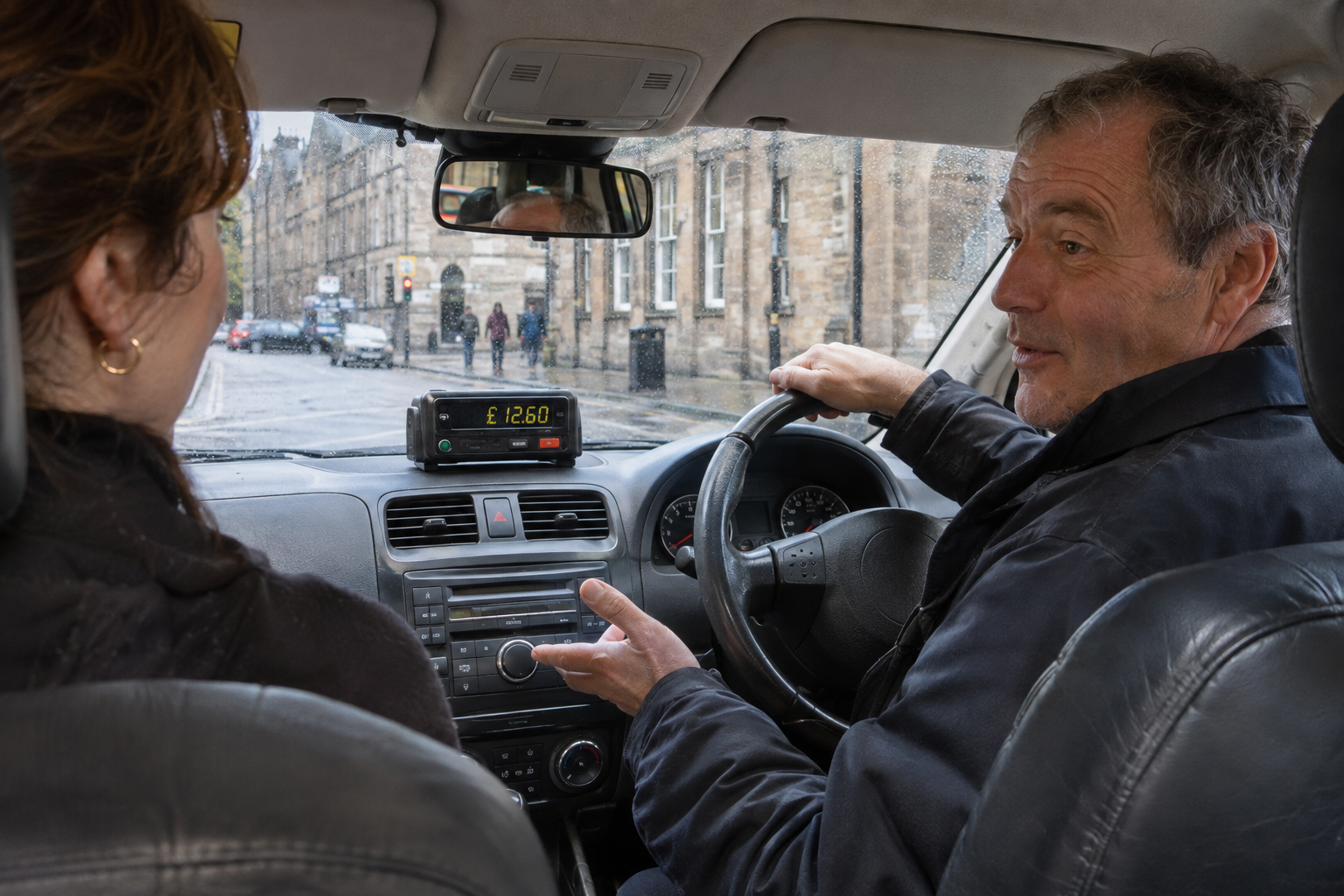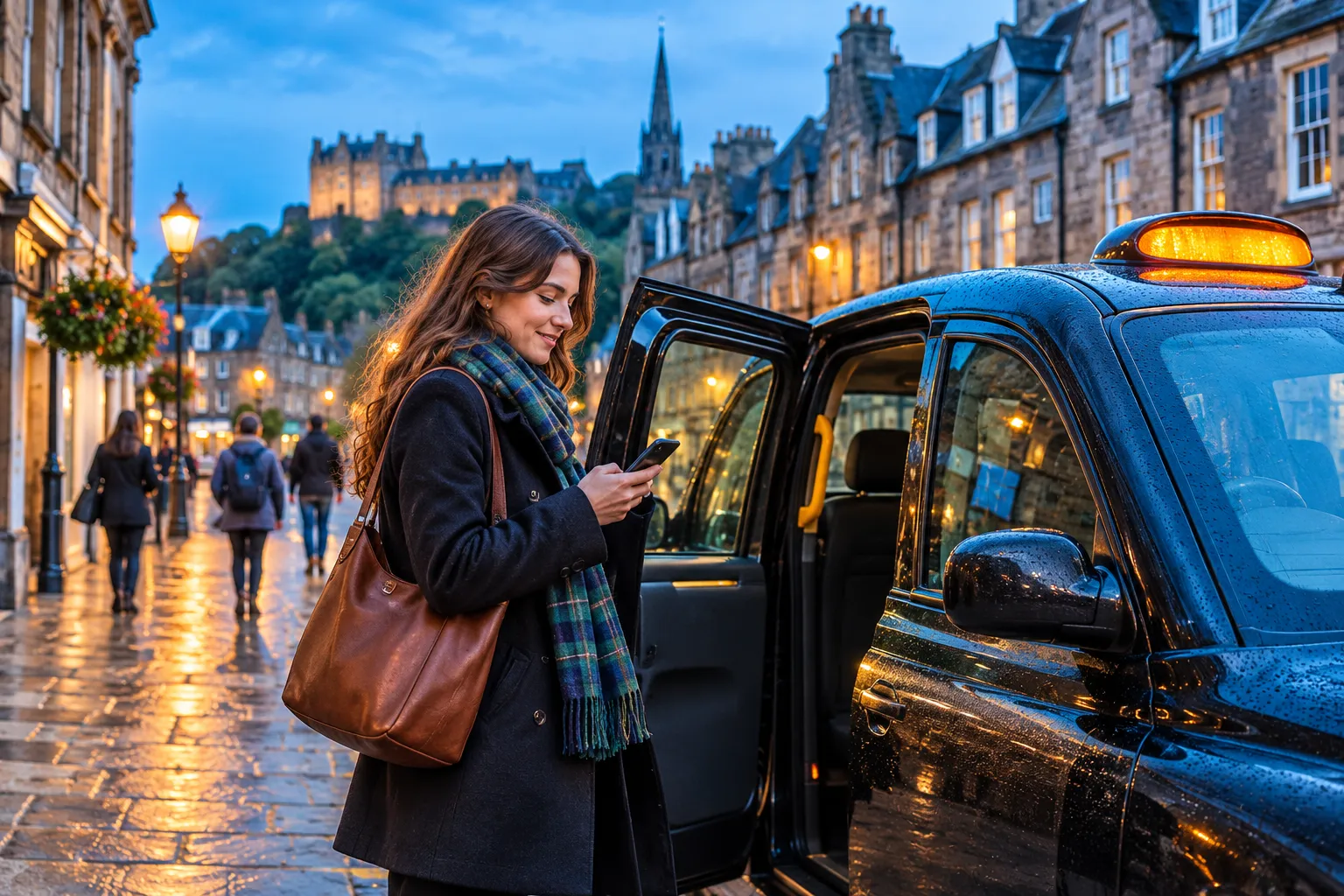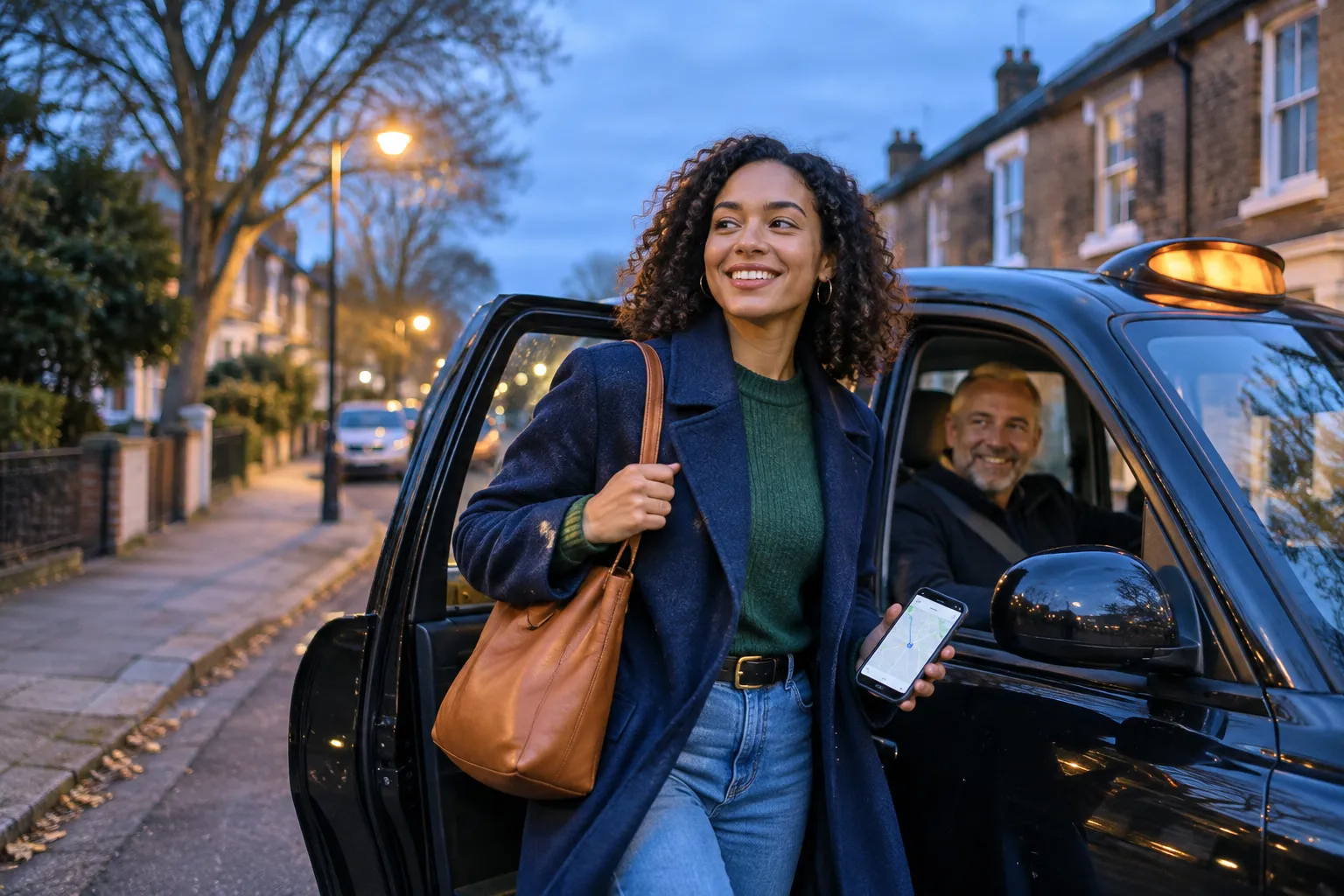
SafeKab and SafeHalo help you stay connected during different parts of a journey. Use SafeKab to book with a licensed local taxi operator, and SafeWalk inside SafeHalo to share a walk before collection or after drop-off.
You can use either app independently. If your trip includes both a taxi and a walk, plan the handover before leaving and check that your trusted contact is available.
Key Takeaways
- SafeKab connects you with licensed local operators and lets you check driver details and a booking safety code before you get in
- SafeWalk lets your contact follow your route. End your journey when you arrive to send a journey-ended update
- SafeHalo Standard is free and includes SafeWalk, SOS alerts with location, and one trusted contact, with no team monitoring
- SafeHalo Premium is paid, supports up to three trusted contacts, and requires a Bluetooth SOS button paired to your phone for 24/7 team-monitored alerts
- None of these tools replace 999 in a genuine emergency, call 999 directly when you can
Why the Taxi-to-Door Gap Matters
A cab can take you close to home, but it cannot always pull up at your actual door. Narrow streets, one-way systems, or a venue car park often mean a short walk at either end. That stretch is ordinary and usually uneventful, but many people still like some extra reassurance, particularly after a late shift, a night out, or when arriving somewhere unfamiliar.
Agree a suitable collection and drop-off point with the operator. If you will walk for part of the trip, choose a familiar route where possible and tell your contact about the plan.
How SafeKab and SafeHalo Work Together
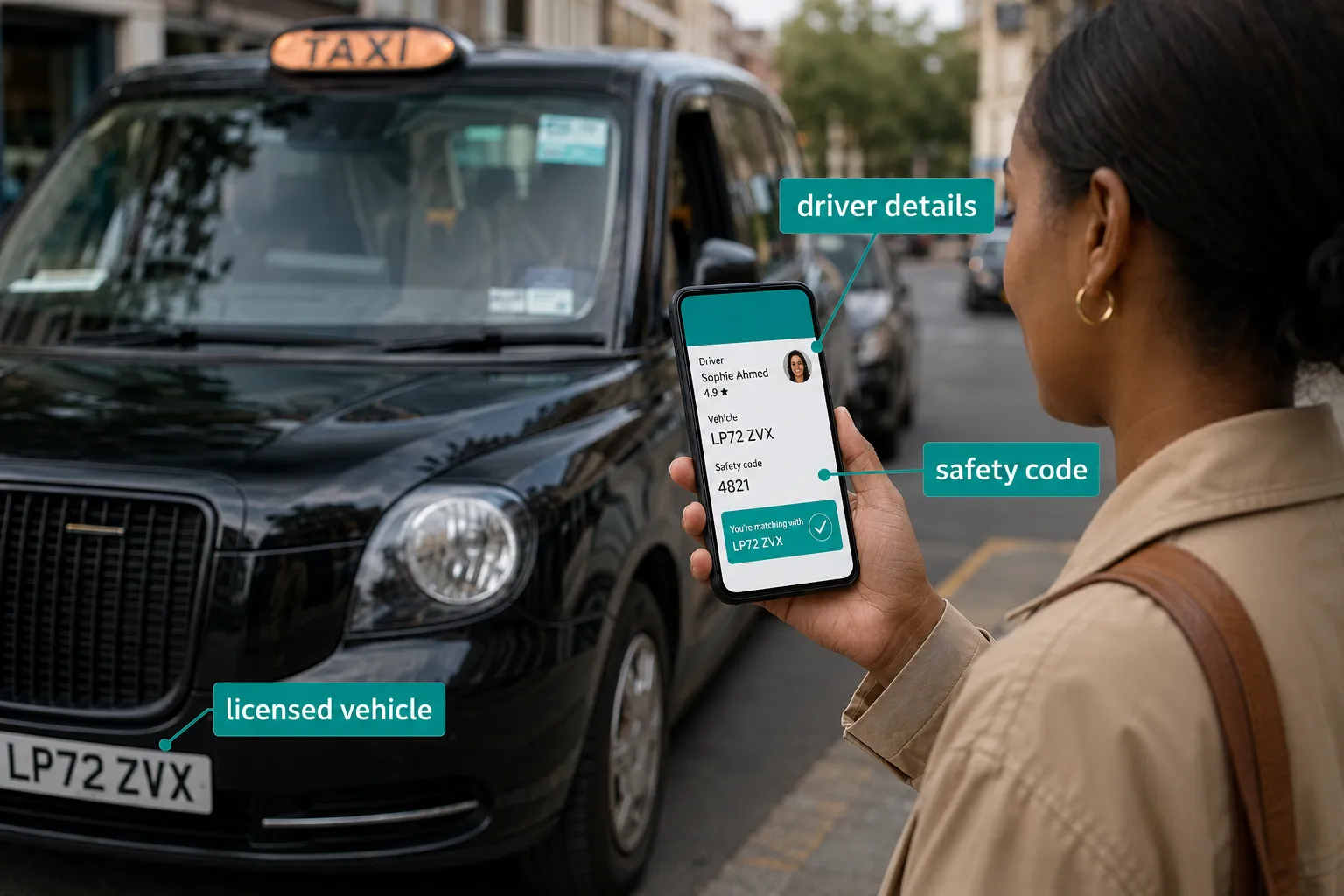
SafeKab connects you with licensed local operators. Check your assigned driver and vehicle details, confirm the booking safety code and use journey sharing if you want someone to follow the taxi trip. See how SafeKab booking works.
SafeWalk is the walking feature in SafeHalo. Open SafeHalo, start your SafeWalk and share the route with your trusted contact. When you arrive, end the journey in the app so your contact receives the journey-ended notification.
SafeHalo is a separate personal safety app. It includes SafeWalk and in-app SOS alerts, whether or not you are also booking a taxi. The free setup guide explains how to add your contact and start sharing a walk.
Always check current booking options with your local operator, since availability and specific features can vary by area.
SafeHalo Standard and Premium
Standard is free and notifies your trusted contact. Premium adds team monitoring and requires a paired Bluetooth SOS button. The table below summarises the main differences.
| Feature | SafeHalo Standard | SafeHalo Premium |
|---|---|---|
| Cost | Free | Paid |
| SafeWalk | Included | Included |
| SOS alert with location | Included | Included |
| Trusted contacts | One | Up to three |
| Team monitoring | Not included | 24/7 monitored by the SafeHalo team |
| Bluetooth SOS button | Not required | Required, paired to a nearby smartphone |
With Standard, your SOS alert and location go straight to your one trusted contact. There is no professional team watching for alerts on this tier.
Premium adds a trained team that can review an alert, communicate with you, and help assess what happens next. Every Premium member needs their own Bluetooth SOS button paired to a phone nearby, the button is not a standalone alarm on its own. This setup matters because it affects how quickly and reliably an alert can be sent; a flat phone battery, switched-off location permissions, a disconnected Bluetooth pairing or no signal will all affect how the system works.
SafeHalo does not replace the emergency services. In an emergency, call 999 directly when it is safe and possible to do so.
Trusted contacts also need to agree to the role and actually be available when something comes through. Their response, like anyone’s, is not guaranteed. This is about building a layer of support around you, not a promise of rescue.
A Practical Walkthrough: Taxi, Then Walk, Then Home
Here is roughly how a mixed journey might look in practice.
- Book your cab. Open the SafeKab app, enter your destination, and confirm pickup details with a licensed local operator.
- Check the car. When it arrives, match the booking safety code and driver details before getting in.
- Share the ride. If you want someone to follow along, share your journey details with a trusted contact.
- Start SafeWalk for the last stretch. Open SafeHalo, set your destination and share your SafeWalk with your trusted contact.
- End the journey when you arrive. Your contact receives a journey-ended notification.
- Use SafeHalo if you want extra reassurance. Standard gives you a free SOS option with one contact; Premium adds monitored support and the Bluetooth button setup, for those who want that extra layer.
Adapt the plan to your journey. You might share a walk after a late shift, from a taxi drop-off to student accommodation, or through an unfamiliar area while travelling for work.
For readers heading into busier seasons, it is worth reading the tips in taxi safety during the festive season and the broader advice in top tips for walking home safely, both of which cover similar ground with seasonal detail.
Who This Approach Tends to Suit
- Late-shift and NHS workers finishing at irregular hours
- Students new to a city who are still learning safe, familiar routes, see staying safe when starting university
- People travelling alone on business, covered in more depth in essential safety tips for female business travellers
- Families coordinating pickups where one parent wants visibility on the route home
- Anyone heading home from a night out who simply likes the idea of a contact knowing they have arrived safely, as discussed in a safe night out: top tips from SafeKab
Ask your contact before sharing a journey and agree what they should do if you need help.
Frequently Asked Questions
Does SafeHalo replace calling the police in an emergency? No. SafeHalo is a private safety support tool. In a genuine emergency, call 999 directly where it is safe to do so.
Do I need the SafeHalo button for SafeWalk to work? No. SafeWalk and basic SOS alerts are part of the free SafeHalo Standard tier and do not require the Bluetooth button. The button is only required for Premium.
Is taxi availability the same everywhere in the UK? No. SafeKab works with licensed local operators, so availability depends on where you are and which operators are active in that area. Check current coverage with the operator before you travel.
Plan the Taxi and Walking Parts of Your Trip
Check the taxi booking details and decide whether you want to share the walk at either end. Keep your phone charged, confirm your contact is available and update them if your plans change.
Start by checking your driver details and safety code on your next booking, try SafeWalk for the short walk either side of a ride, and decide for yourself whether the free SafeHalo Standard tier or the monitored Premium option fits how you travel. You can download or check SafeHalo’s current features, browse SafeKab’s safety features for passengers, or book your first SafeKab journey today.